Build note · Tervy for macOS
Keeping coding agents and dev servers together in Tervy
A Laravel project can have a Vite server, a shell for tests, and a coding agent running at the same time. I built Tervy to keep those processes with the project they belong to.
Switch projects with the server running
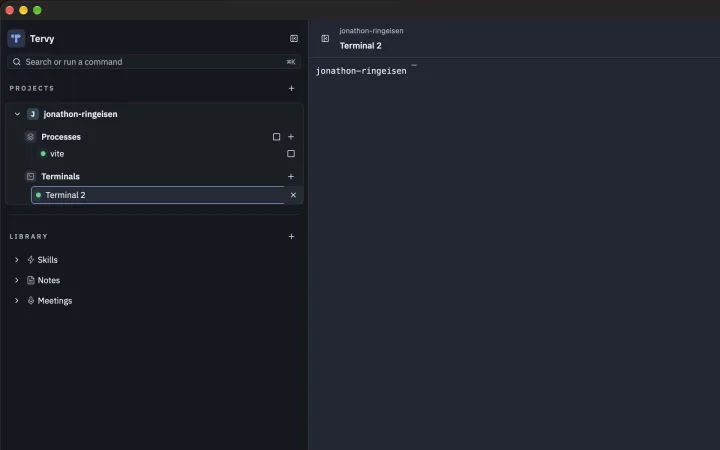
In the workspace pictured here, Vite has its own entry in the project sidebar. A second terminal sits beside it. I can run a test or open a coding agent in that terminal while the dev server keeps its output in the first one.
When another project needs attention, I switch projects in the sidebar. Returning to the first project brings its terminals back into view with their processes still running.
A native Mac workspace
Tervy is written in Rust. It uses GPUI for the interface and Alacritty’s terminal engine for the terminal panes. The project sidebar gives those panes context when several repositories are open at once.
For an example of the work that happens in those terminals, read How I Use Claude Code and Codex CLI Together to Write Better Laravel Code.
Download Tervy for Mac ↗